For homeowners
See your room in a new colour.
Try paint colours and floors on your own room, then get it quoted.
It started as a home app, and the pilot now focuses on property managers. Homeowners can join the same pilot. It needs an iPhone Pro with LiDAR.
Try it on your room
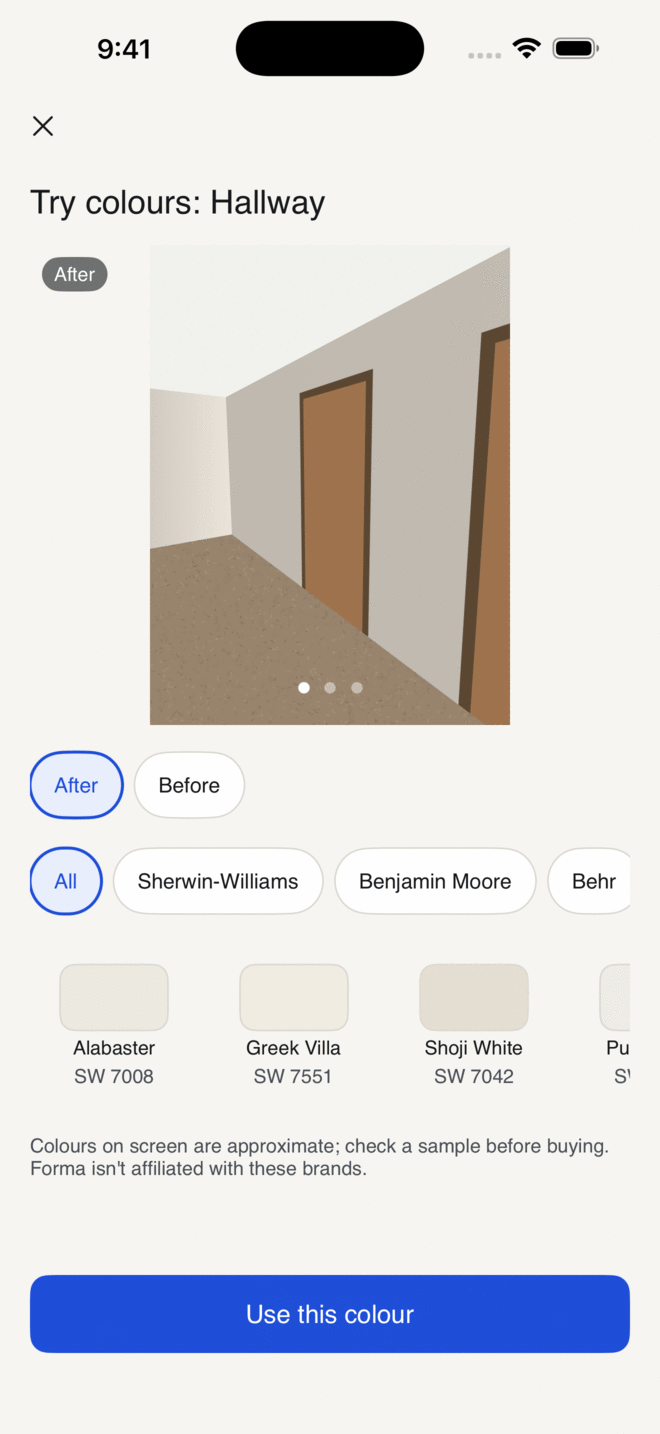
Colours
Pick a paint colour and see the walls change. Switch to Before to compare.
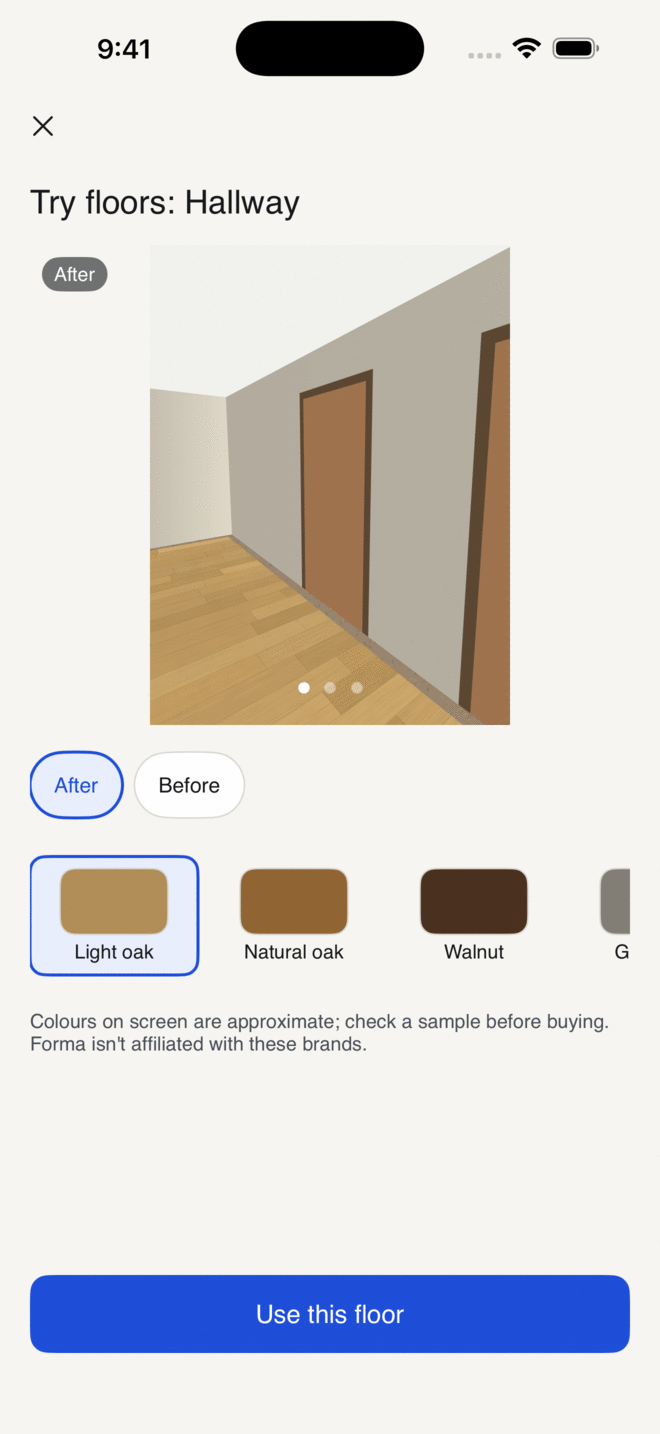
Floors
Try light oak, natural oak, walnut and more on the floor of your room.
Get it quoted
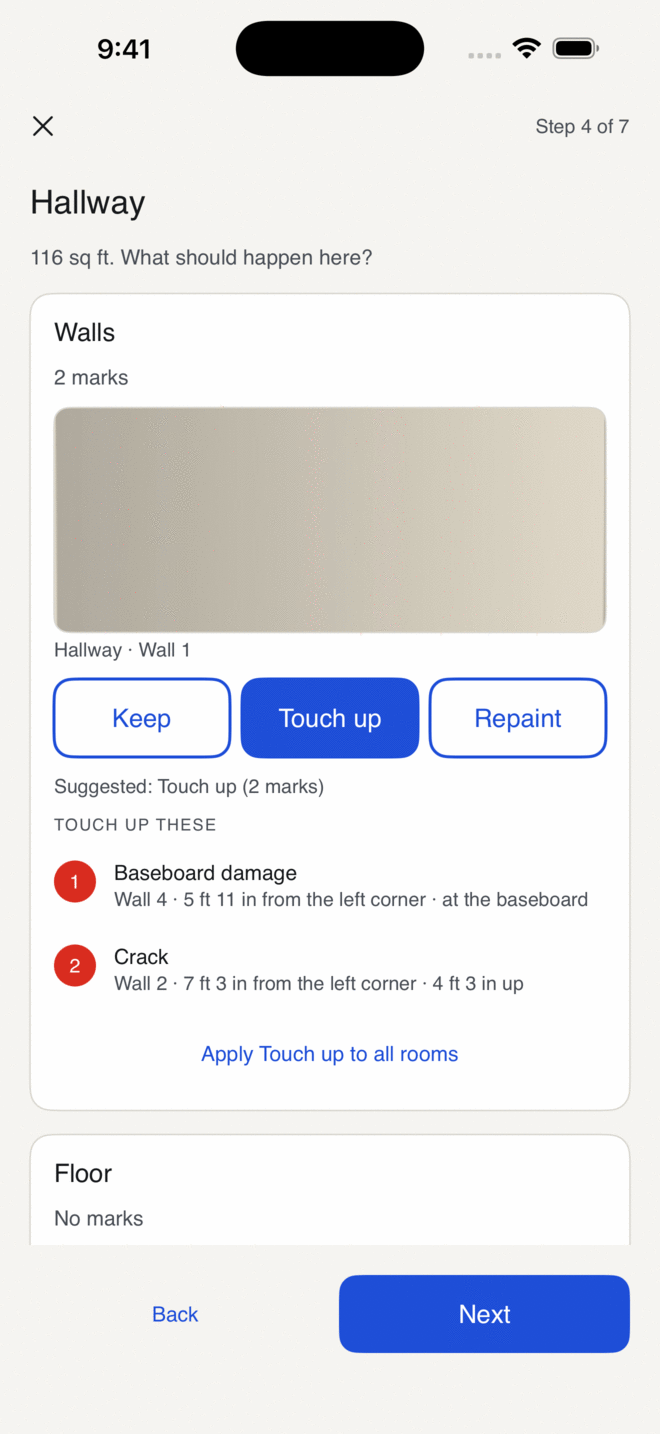
Once you have picked, the app builds a brief with the plan, the sizes and the photos. Send it to a painter or flooring installer so they can quote without measuring first.
Sizes are measured by phone, so the contractor verifies on site.
Yards too
Walk the part of your yard you care about. The app measures the beds, paths and hedges and shows them on a plan.
It also tries to name your plants. That part is still being tested, and it gets some wrong.
Not built yet
Scanning a room on an iPhone without LiDAR. We are working on it and have no date. Until then, room scans need an iPhone Pro.